Need training at your office? Request a quote for custom training.
Training options
Public online training classes
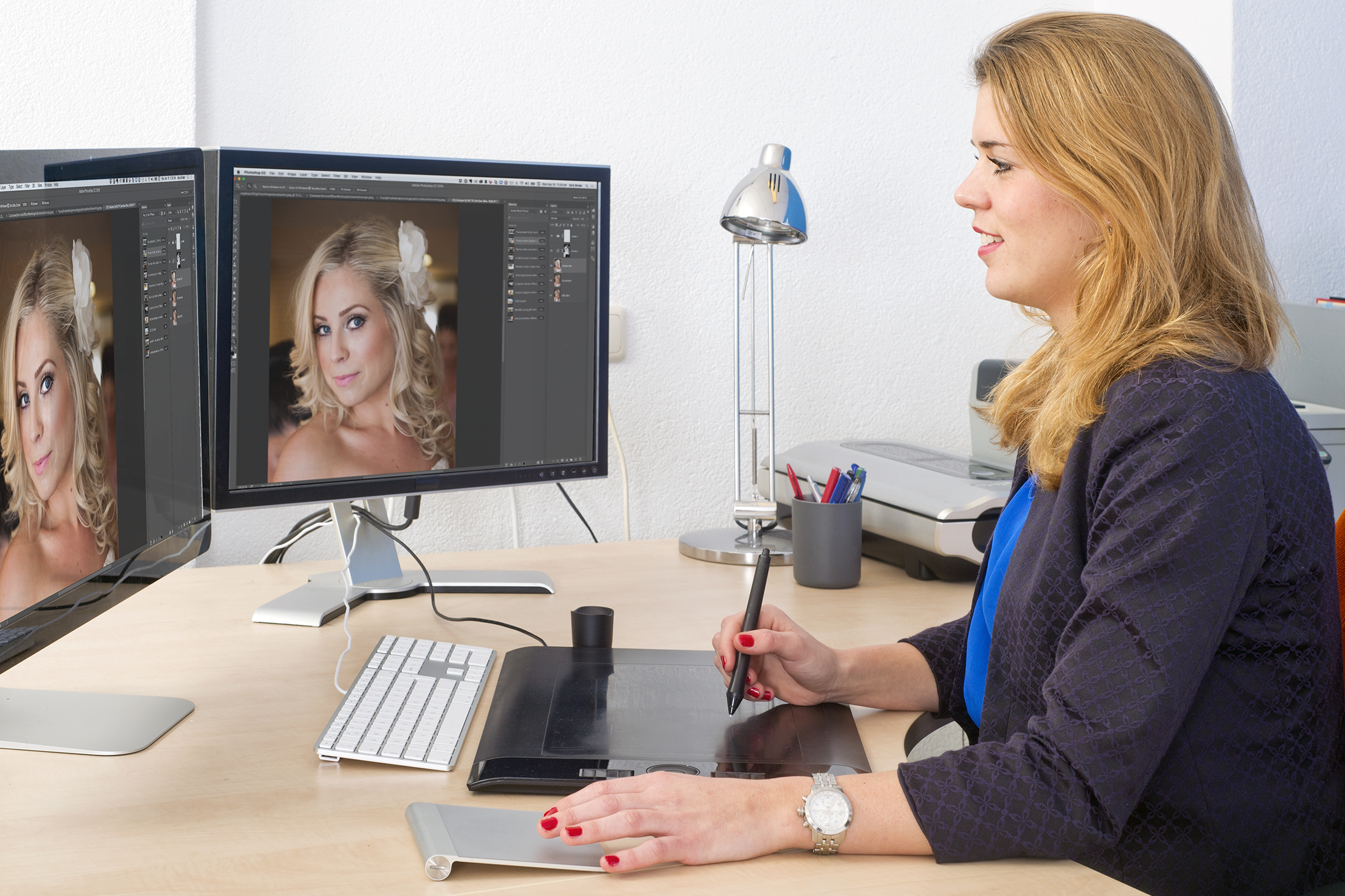
Attend a live, interactive training class in a virtual classroom led by an expert Adobe Instructor from the comfort of your home or office. All you need is a stable, high-speed internet connection, the software, a headset with microphone. You will be able to view the instructor’s screen and they will be able to view yours. Audio is handled either VoIP (free) or via a phone call to a toll number (long distance charges will apply), and all members of the class will be able to converse with the instructor, as well as each other for the duration of the course. It’s a fun and interactive way to attend a hands-on training class, and you won’t have to fight traffic or search for parking. Our public online training classes are the most economical way to learn the Adobe applications for individuals or very small groups. Here are the details on how this works.
See our list of public online Adobe training classes. Please note that Adobe InCopy CC and Adobe Acrobat Professional are only available as private training classes and do not appear on this list. See Private on-site training classes below for more information. If you don’t see what you are looking for, or have any questions about our course offerings, please call 303-319-9817 or send an email to Barb@RockyMountainTraining.com.
Private on-site training classes

Let us come to you. On-site training is conducted at your office, on a mutually agreed-upon date. Classroom rentals can be arranged, but most organizations elect to use a conference room to keep the costs down. Any class that you see listed on the online training calendar can be taught in your office, but the advantage of custom training is that you can mix and match skills and even software programs to create the perfect class for your organization. We can also set aside some class time to work on your projects and/or template development. The instructor will work with you prior to the start of class to determine exactly what you need to learn to get your work done more quickly and efficiently. (Adobe InCopy CC and Adobe Acrobat Professional are currently only available as private training classes.)
To request a quote for private on-site training, please call 303-319-9817 or send an email to Barb@RockyMountainTraining.com.
Online troubleshooting

Do you just need the answer to a few questions? Instructors are available to help out with troubleshooting your software questions on an hourly basis. We can set up a one-hour online meeting to review your specific software issues and questions. The instructor will call you at a pre-set time, and then will log on to your desktop so that you can show us where you are running into trouble. We will walk you through the steps to resolve your problem, and you can be back to work in an hour! The cost for a one-hour consultation is $150.
To get more information about our troubleshooting services, please call 303-319-9817 or send an email to Barb@RockyMountainTraining.com.
Layout & template development services
In addition to delivering training classes, Rocky Mountain Training has also been providing layout services since 1987. Projects include magazines, newsletters, brochures, quarterly journals and full-length books. Services include template design, template training, and layout. If you would like help with template design, photo-processing for print or web, or just need to outsource your publication’s layout, we are here to help.
To request a quote for layout and/or template development services, please call 303-319-9817 or send an email to Barb@RockyMountainTraining.com.